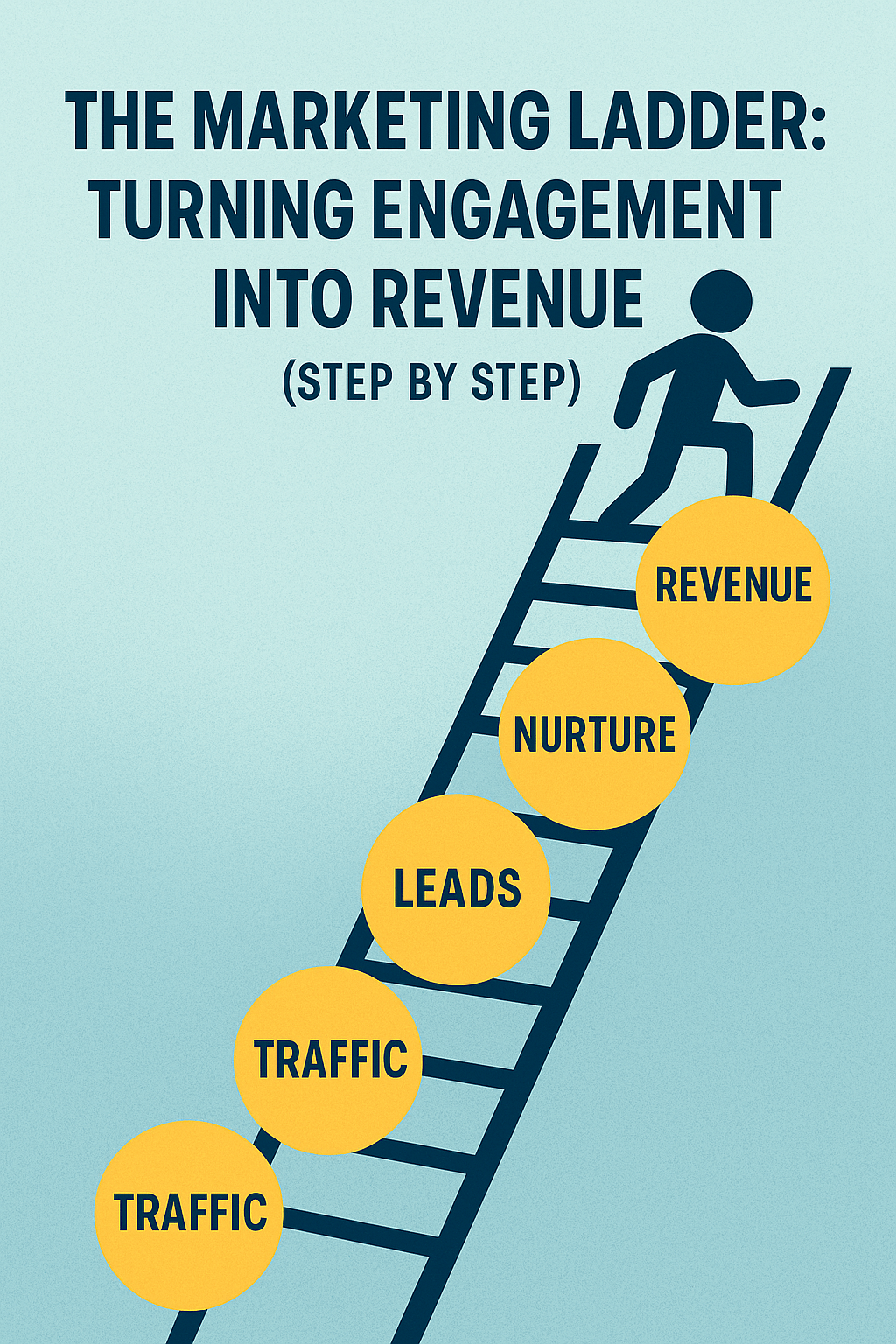
You’re doing the social media thing. You’re posting content. You’re getting likes, comments, maybe even shares. Your engagement is up. Your followers are growing.
And your revenue? Still stuck.
Here’s the problem: you’re collecting followers like they’re Pokémon cards, but you’re not moving them up the ladder. Engagement without a path to purchase is just expensive entertainment.
The Marketing Ladder is your step-by-step system for turning casual followers into paying customers. Not through manipulation or aggressive sales tactics, but through a strategic progression that builds trust and demonstrates value at every rung.
What Is the Marketing Ladder?
Think of your marketing funnel as a ladder. Each rung represents a deepening level of engagement and commitment. People enter at the bottom with minimal investment (following you on social media) and climb upward until they reach the top: becoming paying customers and, eventually, repeat customers or advocates.
The key insight: most people won’t jump from the bottom rung to the top in one leap. You need to build intermediate steps that feel natural, low-risk, and valuable on their own.
Here’s what the ladder typically looks like:
Rung 1: Awareness (they know you exist) Rung 2: Interest (they follow or subscribe) Rung 3: Engagement (they consume your content) Rung 4: Conversion (they become a lead) Rung 5: Transaction (they become a customer) Rung 6: Loyalty (they buy again) Rung 7: Advocacy (they refer others)
The problem most small businesses have? They’re trying to get people from Rung 1 to Rung 5 in one ask. “Hi, stranger! Want to buy my $2,000 service?”
Rung 1: Awareness (Getting on Their Radar)
Before anyone can climb your ladder, they need to discover it exists.
Awareness is about being visible where your ideal customers already spend time. This isn’t about being everywhere—it’s about being in the right places with the right message.
Tactics that work:
- SEO-optimized content that answers specific questions your prospects are searching for
- Strategic social media presence on 1-2 platforms where your audience actually is (not all of them)
- Guest appearances on podcasts, blogs, or YouTube channels your audience follows
- Strategic partnerships with complementary businesses
- Targeted paid advertising to specific audience segments
What makes this rung effective: Your message at this stage should focus on problems and education, not your solution. You’re proving you understand their challenges. You’re demonstrating expertise. You’re making people think, “This person gets it.”
Common mistakes: Trying to be on every platform, posting inconsistently, leading with sales messages instead of value, or targeting “everyone” instead of specific audiences.
Rung 2: Interest (Earning the Follow)
Someone saw your content once and didn’t immediately close the tab. Congratulations—they’re mildly interested. Now you need to convert that spark into a sustained connection.
This is where they follow you on social media, subscribe to your email list, or bookmark your website. They’re saying, “Show me more.”
Tactics that work:
- Consistently valuable content that solves specific problems
- A strong lead magnet that delivers immediate value (checklist, template, guide, calculator)
- Social media content that entertains, educates, or inspires
- An email newsletter that people actually want to read (not just product announcements)
What makes this rung effective: The bar is still low. Following you or subscribing costs nothing but attention. Make it easy. Make it obvious why they should take this step: “Subscribe to get weekly marketing breakdowns like this one.”
Common mistakes: Asking for too much information (full name, company size, annual revenue, blood type) in exchange for your lead magnet. Making your subscribe button hard to find. Not being clear about what they’ll receive.
Rung 3: Engagement (Building the Relationship)
They’re following you. Now what? This is where most businesses drop the ball. They celebrate the new follower and then do nothing to deepen the relationship.
Engagement is about consistent, valuable interactions that build familiarity and trust over time. You want them consuming your content regularly, not just passively scrolling past it.
Tactics that work:
- Email sequences that deliver progressive value
- Interactive content (polls, quizzes, Q&A sessions)
- Responding to comments and messages personally
- Behind-the-scenes content that humanizes your business
- Case studies and success stories that demonstrate real results
What makes this rung effective: Every piece of content should either educate, solve a problem, or reinforce why your solution matters. You’re not selling yet—you’re proving you’re worth paying attention to.
Common mistakes: Only posting promotional content, ignoring engagement from followers, being inconsistent with content frequency, or making everything about you instead of their problems.
Rung 4: Conversion to Lead (Capturing the Interest)
This is the pivotal rung where casual followers become identified leads. They’ve gone from anonymously consuming your content to giving you their contact information in exchange for something valuable.
This isn’t the sale—it’s the signal that they’re seriously interested in what you offer.
Tactics that work:
- Webinars or workshops that dive deep on a specific problem
- Free trials or demos of your product/service
- Comprehensive guides or toolkits
- Free consultations or audits
- Email courses that provide structured learning
What makes this rung effective: The offer should be valuable enough that people are willing to exchange their real contact information (not a throwaway email). It should also naturally lead toward your paid offering without being a disguised sales pitch.
Common mistakes: Weak lead magnets that deliver no real value, requiring too much information upfront, not following up with leads once captured, or making the next steps unclear.
Rung 5: Transaction (Closing the Sale)
This is where engagement becomes revenue. They’ve climbed four rungs already—they know who you are, they trust your expertise, they’ve consumed your content, and they’ve engaged with your offers. Now they’re ready to buy.
If you’ve built the ladder correctly, this rung shouldn’t feel like a hard sell. It should feel like the natural next step.
Tactics that work:
- Clear, benefit-focused sales pages
- Limited-time offers for webinar attendees
- Free trial to paid conversion sequences
- Discovery calls that identify fit and present solutions
- Tripwire offers (low-cost products) that lead to core offerings
What makes this rung effective: By this point, you’ve addressed objections, demonstrated value, and built trust. Your sales process should focus on logistics and fit, not convincing them you’re worth the investment—you already did that in rungs 1-4.
Common mistakes: Rushing the sale before trust is established, unclear pricing or packages, complicated purchasing processes, or failing to address common objections proactively.
Rung 6: Loyalty (Turning Customers into Repeat Buyers)
Most small businesses obsess over new customer acquisition and ignore the gold mine sitting in their existing customer base. Repeat customers are more profitable, easier to sell to, and more likely to refer others.
This rung is about delivering exceptional value so they come back for more.
Tactics that work:
- Proactive customer success outreach
- Exclusive offers for existing customers
- Upsells and cross-sells of complementary services
- Regular check-ins to ensure satisfaction
- Educational content that helps them maximize their investment
What makes this rung effective: You’ve already proven yourself once. The trust barrier is gone. Now you’re focused on continued value delivery and identifying opportunities to serve them further.
Common mistakes: Ignoring customers after the sale, only contacting them when you want to upsell, not collecting feedback, or providing worse service to existing customers than prospects.
Rung 7: Advocacy (Creating Referral Machines)
The top rung of the ladder isn’t a transaction—it’s transformation of customers into advocates who actively promote your business to others.
Advocates refer new business, leave reviews, create testimonials, and defend you in online discussions. They’re your unpaid marketing army, and they’re more credible than any ad you could run.
Tactics that work:
- Making it easy to refer (referral programs, shareable links, templates)
- Asking for reviews and testimonials at the right time
- Featuring customer success stories
- Creating affiliate or partner programs
- Building a community around your product/service
What makes this rung effective: People advocate for businesses that deliver exceptional results and make them look good. Focus on outcomes, not just service. Help them succeed visibly, and they’ll tell others.
Common mistakes: Never asking for referrals, making the referral process complicated, not rewarding or acknowledging advocates, or disappointing customers and expecting them to still refer others.
Building Your Specific Ladder
The generic ladder above works for most businesses, but yours needs customization. Here’s how to build your specific ladder:
Step 1: Map Your Current Customer Journey Write out how people actually become customers now. What’s the first touchpoint? What happens next? Where do they drop off?
Step 2: Identify Missing Rungs Are you trying to jump people from awareness straight to sale? Add intermediate steps. Do you have engagement but no conversion path? Create a lead magnet.
Step 3: Create Offers for Each Rung Each rung needs a specific offer that makes the next step feel natural. What can you offer at each stage that delivers value and builds toward the sale?
Step 4: Measure Each Transition Track conversion rates between rungs. If 1,000 people hit Rung 2 but only 10 make it to Rung 3, you have an engagement problem. If 500 people hit Rung 4 but only 5 buy, you have a conversion problem.
Common Ladder Mistakes to Avoid
Mistake #1: Skipping Rungs Trying to sell to someone who just discovered you rarely works. Build the progression naturally. Some businesses need 6 months to move someone from awareness to purchase. That’s okay if the economics work.
Mistake #2: Making Rungs Too Tall If the jump from one rung to the next feels too big, people won’t climb. Free content to $10,000 package is too big a leap. Add intermediate offers.
Mistake #3: Ignoring the Top Rungs Acquiring new customers is expensive. Retaining and upselling existing ones is profitable. Don’t neglect rungs 6 and 7 just because they’re after the initial sale.
Mistake #4: Not Tracking the Data You can’t optimize what you don’t measure. Know your conversion rates between each rung. Know where people drop off. Fix the weakest transition first.
The Math of the Ladder
Let’s make this concrete with example numbers:
- 10,000 people reach Rung 1 (Awareness)
- 1,000 reach Rung 2 (Interest) – 10% conversion
- 500 reach Rung 3 (Engagement) – 50% conversion
- 100 reach Rung 4 (Lead) – 20% conversion
- 20 reach Rung 5 (Customer) – 20% conversion
- 12 reach Rung 6 (Repeat Customer) – 60% conversion
- 6 reach Rung 7 (Advocate) – 50% conversion
From 10,000 initial touches, you get 20 customers. That’s a 0.2% conversion rate from awareness to customer, which is actually pretty normal for complex or expensive products.
Now here’s where optimization matters: improve each rung by just 20%:
- Rung 1→2: 12% instead of 10% = 1,200 interested
- Rung 2→3: 60% instead of 50% = 720 engaged
- Rung 3→4: 24% instead of 20% = 173 leads
- Rung 4→5: 24% instead of 20% = 41 customers
Same 10,000 people at the top, but now you’re getting 41 customers instead of 20. That’s a 105% increase in revenue from incremental improvements at each stage.
That’s the power of optimizing your ladder.
Start Climbing
You don’t need a perfect ladder tomorrow. You need to start building one today.
Map out where people enter your world. Identify the next logical step they should take. Create an offer that makes that step easy and valuable. Then measure whether people actually take it.
Fix your weakest rung first. If nobody’s reaching Rung 1, you have a visibility problem. If everyone bails at Rung 4, your lead offer isn’t compelling or your sales process needs work.
The businesses that win aren’t the ones with the most followers or the most traffic. They’re the ones who systematically move people up the ladder from awareness to advocacy.
Build your ladder. One rung at a time.





 Marketing Tools HQ